
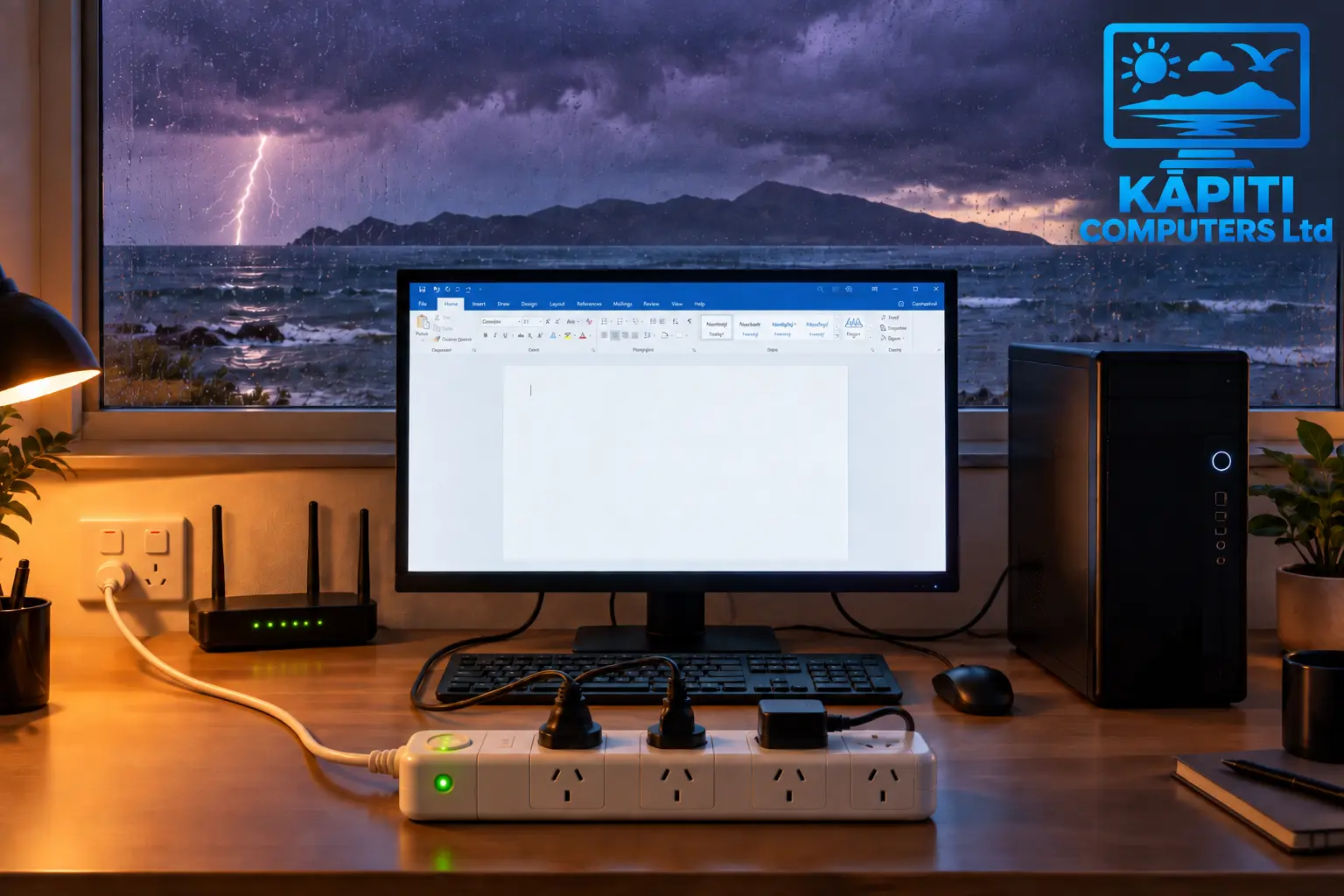
A fair number of the dead computers, routers and modems we see have the same back story: there was a storm, or the power went off and came back on, and afterwards something simply would not turn on. Sometimes it is a cheap power pack. Sometimes it is a desktop computer with years of family photos on it. In most cases, a surge protector costing a small fraction of the repair bill would have stopped it happening.
What a power surge actually is
Your household power in New Zealand runs at around 230 volts. A surge is a brief spike well above that, lasting a tiny fraction of a second, and it is over before you would ever notice it. The causes are more ordinary than most people expect. A lightning strike nearby is the dramatic one, but far more common are faults on the lines, trees coming down on them in high wind, and the jolt when power is switched back on after an outage. Smaller surges also happen inside the house every day, whenever something with a big motor or compressor, like a heat pump, fridge or freezer, switches on and off.
Why it matters on the Kāpiti Coast
This part of the coast takes the full force of westerly storms, and plenty of the rural and lifestyle properties around Te Horo, Peka Peka, Ōtaki and out towards Levin are still fed by overhead lines, which are far more exposed to wind, falling branches and lightning than underground cables. Every power cut is also a surge risk when the power comes back on. If you have lost power more than once or twice in a winter, your electronics have been through that jolt each time.
What a surge can actually do
A big surge can kill a device outright: the power supply, the motherboard, or both, gone in an instant. That is the obvious case, and it stings most with expensive gear. It is not unusual for someone to spend $6,000 or more on a gaming computer or a workstation for video editing, design or engineering work, only to have it killed in an instant by a surge that a surge protector costing well under a hundred dollars would have stopped. The less obvious one is partial damage. Components that take a hit without failing completely can leave a computer freezing, restarting on its own or refusing to start some mornings, and that kind of fault is frustrating to track down because it comes and goes. Repeated smaller surges also wear electronics out faster than they otherwise would. And if the power spikes or drops while a drive is in the middle of writing data, files can be corrupted even when the hardware survives. If a computer has started playing up since a storm, it is worth ruling out the everyday causes covered in why your computer feels slower than it used to, but a surge is worth keeping in mind as a suspect too.
Don't forget the other way in
Power sockets are not the only route a surge can take. It can also travel along a phone line, a network cable or a TV aerial cable into whatever is plugged into the other end. That makes your internet equipment especially exposed: the fibre ONT on the wall, your router, a mesh Wi-Fi system and the Starlink power supply are all mains-powered electronics that run around the clock, and when they fail, the whole house loses its connection until they are replaced.
A power board is not the same as a surge protector
This is the part that catches people out. Many cheap multi-plug power boards offer no surge protection at all, they just turn one socket into four or six. A genuine surge protector has components inside designed to absorb a spike and divert it away from whatever is plugged in. When you are buying one, a few things are worth checking.
- It actually says surge protection on the box, with a joule rating listed. Higher is better; for a computer or network gear, look for something rated in the thousands rather than the hundreds
- A "protected" indicator light that shows the surge protection is still working, not just that the board has power
- Network or coaxial pass-through ports if you want to protect the cable side of your router or TV as well
- A connected equipment guarantee, which some reputable brands offer to cover gear damaged while plugged in
- It is approved for sale in New Zealand and bought from a reputable retailer, not an unbranded marketplace listing
Surge protectors wear out
The parts that absorb surges degrade a little each time they do their job, and after enough hits, or one large one, they stop protecting even though the sockets keep supplying power. That is why the indicator light matters. If the light is out, or the unit is more than a few years old and has been through a few storms, it is worth replacing. It is a cheap item protecting expensive ones, so there is no point hanging on to a worn-out one.
When to go a step further
For a desktop computer you use for important work, a home office, or a small business with a server or network storage drive, an uninterruptible power supply (UPS) is worth considering. As well as surge protection, it has a battery that keeps things running through a short cut or brownout, long enough to save your work and shut down properly rather than having the power pulled out from under you. Whole-house surge protection fitted at the switchboard is also an option, and it protects things you cannot easily put on a power board, like the oven or heat pump. That one is a job for a registered electrician, and it works best alongside plug-in protection for your most valuable gear rather than instead of it.
A few simple habits
- Put your computer, monitor, router, ONT and Starlink power supply on a proper surge protector
- Do not plug power boards into other power boards
- Keep heaters, heat pumps and other heavy appliances off the same board as your computer gear
- If a big thunderstorm is right overhead, unplugging your computer is still the most reliable protection there is
- Keep a current backup of anything you cannot replace, ideally with one copy away from the house, because no surge protector can guarantee nothing will ever fail. See are cloud backups worth it?
Where to go from here
If you are not sure whether what you have is actually protecting anything, we are happy to take a look while we are there for something else, or as part of an ongoing support health check. And if a surge has already done its damage, whether that is a computer that will not start, one that has become unreliable since a storm, or a router that has gone quiet, see computer repairs for how a typical visit works, including data recovery from drives that did not survive, or Wi-Fi & Starlink setup to get your connection back up and running.