
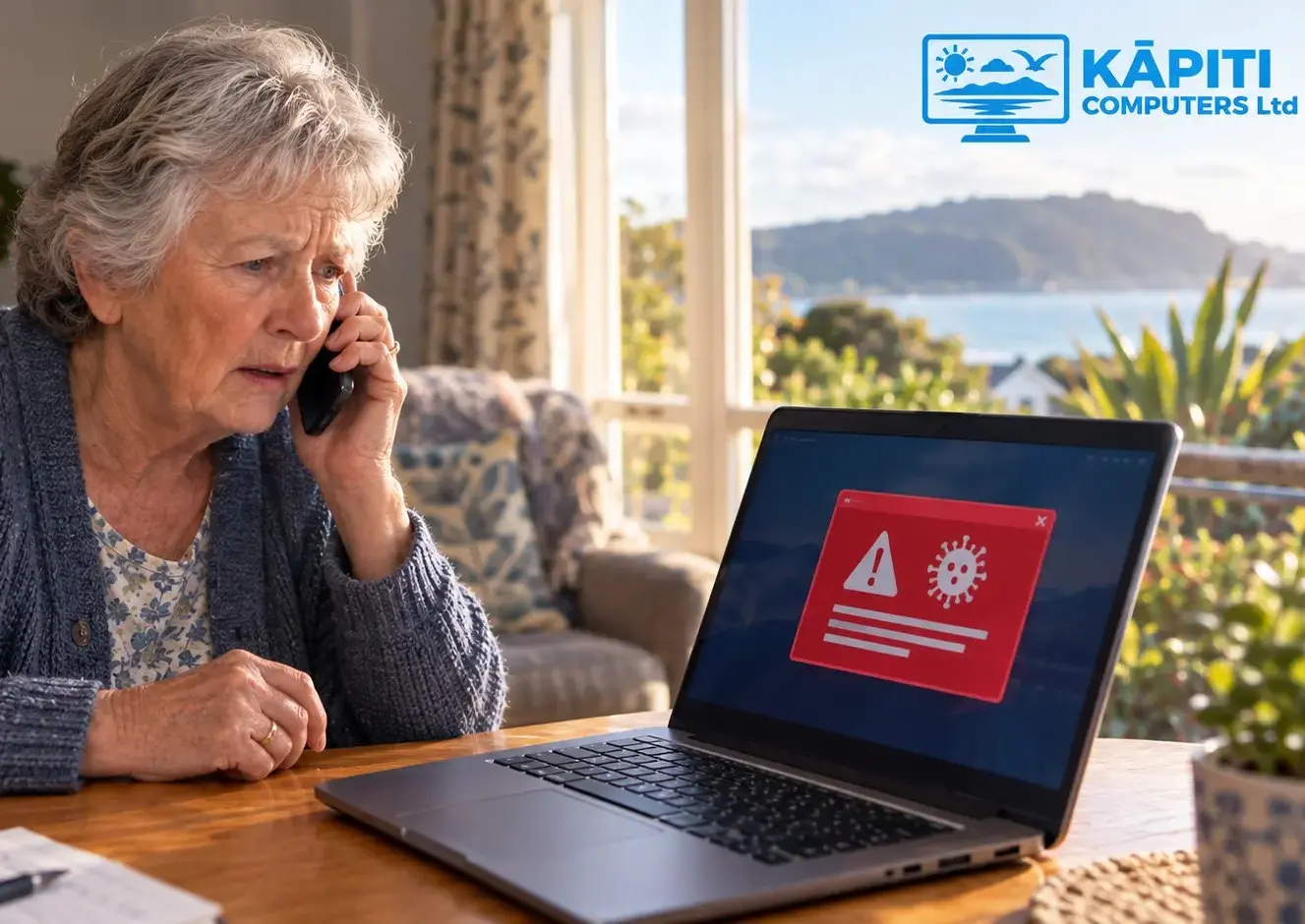
The phone rings. Someone on the other end says they're from Microsoft, Spark, or "your internet provider," and your computer's been sending out viruses. Or you're sitting at the computer and a red warning takes over the whole screen, siren blaring, telling you not to touch anything and to ring the number shown. Both look official. Both feel urgent. Both are fake. We hear about this one constantly from older residents around the Kāpiti Coast, and honestly, the people running these scams are very good at what they do. It has nothing to do with being careless around computers, it's a scam engineered to catch anyone off guard, tech-savvy or not.
How the Scam Usually Starts
We see three versions of this on repeat. The most common is a cold call, someone claiming to be from Microsoft, Spark, Xtra, or a vague "technical department," telling you they've spotted a virus or strange activity on your machine and need remote access to sort it out straight away. The second is that browser pop-up, filling the whole window, often with a loud alarm, insisting your computer is infected and giving you a number to call. Closing the tab doesn't always get rid of it. The third shows up by email, a renewal invoice that looks like it's from Norton or McAfee for a subscription you never bought, with a number to call if you want to "dispute the charge."
All three are fake. Microsoft and Spark don't cold-call people about viruses, full stop, and a genuine antivirus alert will never ask you to ring a phone number.
A Quick Way to Check Any Suspicious Email
For that third one, the fake invoice email, there's a simple check you can do yourself before worrying about anything else. Look at the actual email address it was sent from, not just the name shown at the top. On a phone or computer, tap or click on the sender's name and the full address will usually appear underneath it. A genuine email from Norton will end in something like @norton.com, and one from Microsoft will end in @microsoft.com. If the address after the @ symbol is a long jumble of letters and numbers, or belongs to a completely different company, it's a scam, even if the logo and wording look convincing.
Why This Scam Works So Well
Two things make this work: urgency and trust. Hearing that your computer is "sending out your personal information right now" is designed to make you act before you've had a chance to think it through, that's the whole point of the line. Once someone's on the phone and hooked, the caller talks them through installing a remote access tool, usually AnyDesk or TeamViewer, so they can "show you the problem." From that point on they can see the whole screen, move the mouse themselves, and click into banking apps or online accounts directly.
If a person starts to hesitate, the caller often pulls up something that looks scary, a list of files with alarming names, or a fake "virus scan" running in Command Prompt, just to keep the illusion going. Then comes the payment request, usually dressed up as a "support fee" or "protection renewal," and it's almost always gift cards read out over the phone, or a bank transfer. No real company ever asks to be paid in iTunes or Google Play cards. If you hear that, you already know something's wrong.
Warning Signs to Watch For
- An out-of-the-blue call or pop-up claiming a virus, especially one pushing you to act right now
- Being asked to install AnyDesk, TeamViewer, or similar so "someone can look at the problem"
- A request to pay in gift cards, by wire transfer, or by reading out a code over the phone
- A caller who gets short or raises their voice when you ask questions, instead of just explaining who they are
- Being told not to hang up, not to turn off the computer, or not to check with family first
What to Do If It Is Happening Right Now
If you've got someone like this on the phone, just hang up. You don't owe a stranger an explanation. If a pop-up has taken over the screen, don't click anything inside it, not even a button that says "close" or "cancel", some of these are rigged to trigger a download no matter where you click. On Windows, press Ctrl, Alt and Delete and open Task Manager to shut the browser down properly. On a Mac, hold Command, Option and Escape to force quit it. And if remote access software is already installed and someone's connected, turn off Wi-Fi or pull the network cable straight away to cut them off, then give us a call so we can check what they actually got into.
If You Think You Have Already Been Caught Out
Don't feel embarrassed, these operations are run professionally and they're genuinely convincing, we've seen plenty of switched-on people caught out by one. If money went out by bank transfer or card, ring your bank immediately, report it and ask about reversing the payment. The faster you act, the better your odds of getting it back. If remote access software got installed, or any passwords were typed while the caller could see your screen, change those passwords from a different device, starting with online banking and email. We can come out, check the computer properly, strip out anything that was installed, and help you reset what needs resetting. No lecture, we promise.
- Hang up or close the pop-up, then turn off Wi-Fi if remote access was already granted
- Call your bank straight away if any payment or card details were handed over
- Change passwords from a different device, starting with banking and email
- Get the computer checked over, ideally in person, so nothing's left behind to cause trouble down the line
Where to Start
You shouldn't have to be the one spotting every one of these calls. That's what an ongoing management plan takes care of, keeping antivirus up to date, applying updates automatically, and giving you a real person to check with before you ever let a stranger near your computer. Have a look at our computer help for seniors page for patient, unhurried support, or our ongoing support plans if you'd rather have it looked after quietly in the background all year.