IT Support in Peka Peka

Onsite tech help across Peka Peka, from the beach road to the highway.

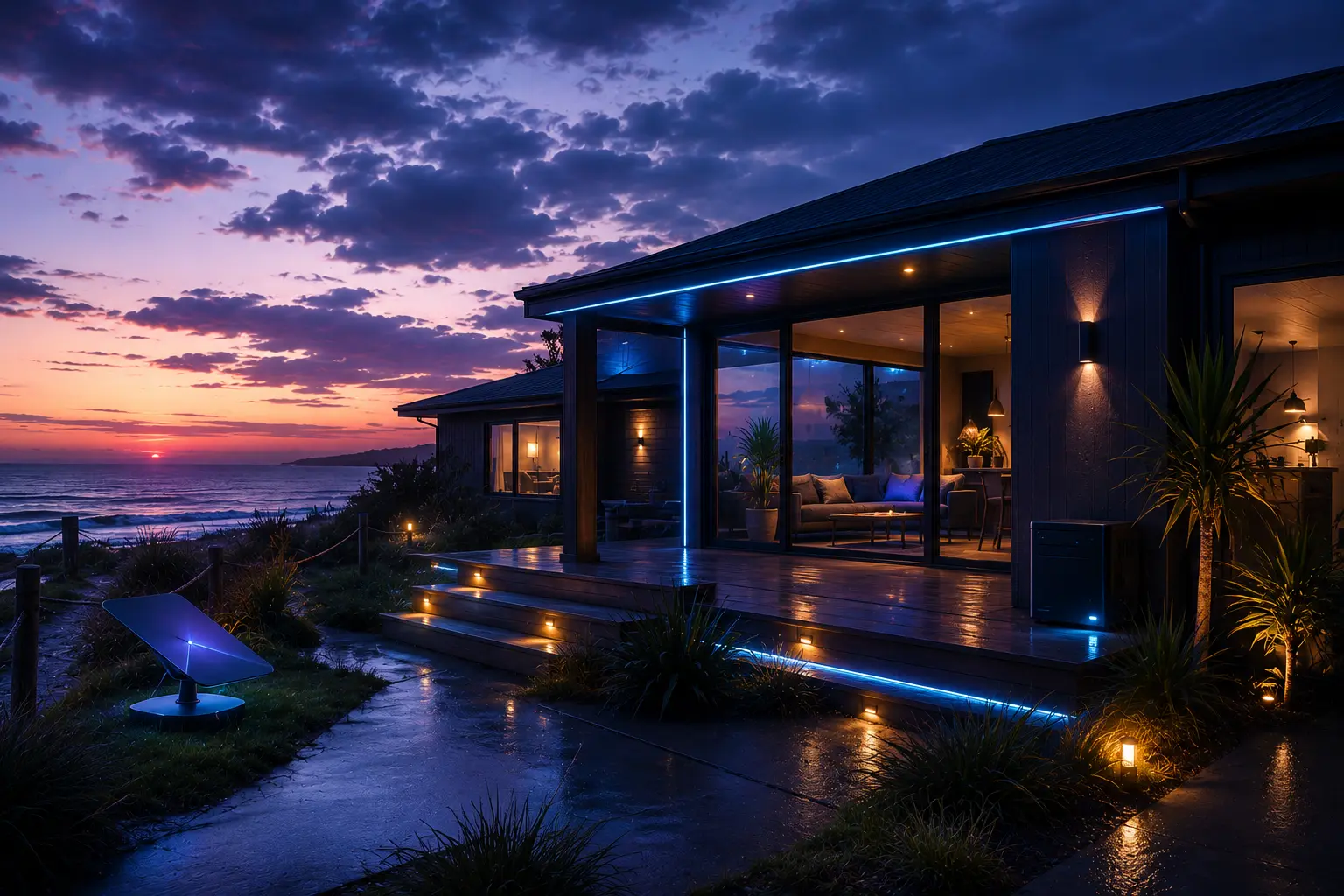
Peka Peka is a cozy lifestyle village, and that shapes almost every job here. Properties are large and comfortable, sit well apart with long driveways, the connection lands wherever the line reaches rather than where you actually work, and a surprising number of the newer houses have worse Wi-Fi than the old ones they replaced. We address this directly, and can assist in smart-home setup and security systems for comfort living

Wi-Fi coverage • Rural internet • Computer Fixes • Modern builds

Wi-Fi survey being carried out at a modern Peka Peka home

Wi-Fi Through Modern Building Materials

Newly built houses at Peka Peka are frequently worse for Wi-Fi than the old baches down the road, which surprises people. Low-emissivity double glazing carries a fine metallic coating, and insulated concrete and steel framing are close to opaque to a 5 GHz signal. The answer is never a bigger router; it is putting access points on the right side of those materials and cabling between them. See Wi-Fi and Starlink setup.

Smart home lighting, heating and security controls being set up at a Peka Peka property

Smart-home and Comfort living

Modern homes increasingly rely on connected technology for comfort, convenience and security. Whether you are starting from scratch or bringing an existing system together, we make sure the network, devices and security settings are properly configured.

Onsite computer repair at a Peka Peka property

Onsite Repairs, No Trip Into Town

Peka Peka has no shops and nothing resembling a computer service, so a fault normally means a drive to Waikanae or Paraparaumu. We do repairs and upgrades at the property instead: failing drives, machines that will not start, overheating laptops, SSD and memory upgrades and new device setup.

Working Across Peka Peka: What We Get Called Out For

Peka Peka throws up a wider mix of work than most of the coast. There is the ordinary computer repair, there is getting a signal to travel further than a large property naturally allows, and there is a steady amount of the more involved end of things: home servers, network storage, and checking that what you already have running is not quietly exposed to anyone who goes looking.

  • Home Media Servers & Network Storage

    Network attached storage and home media servers built to run properly: one central library of films, music, photos and documents streaming to every screen on the property, on mirrored drives so a single disk failure does not take the lot with it. For people who would rather host their own data on their own hardware than keep renting space in someone else's cloud, and want it reachable from the studio, the sleepout and from away.

  • Home & Business Security Audits

    A methodical look at what is exposed and who can reach it. Router admin passwords still set to the factory default, firmware years behind, ports left open to the internet, cameras and smart devices running on credentials anyone can look up, accounts without two-factor, and backups that nobody has ever tested. You get a plain-English list of what we found, what we changed and what is worth doing next.

  • Rural Internet Options

    Straight assessment of what is genuinely available at your address, whether that is fibre, rural fixed wireless or Starlink, including when switching would not actually help.

  • Coverage Across a Large Section

    Sheds, studios, sleepouts and the far end of the property, planned as a coverage design rather than solved by another plug-in extender.

  • Computer Repairs & Upgrades

    Onsite repairs, SSD and memory upgrades, clean-ups and new device setup, all done at the property rather than after two trips into town.

  • New Devices & Data Transfers

    New computers, phones and tablets set up properly, with photos, documents, email and saved passwords all moved across and nothing left behind.

Working Across Peka Peka

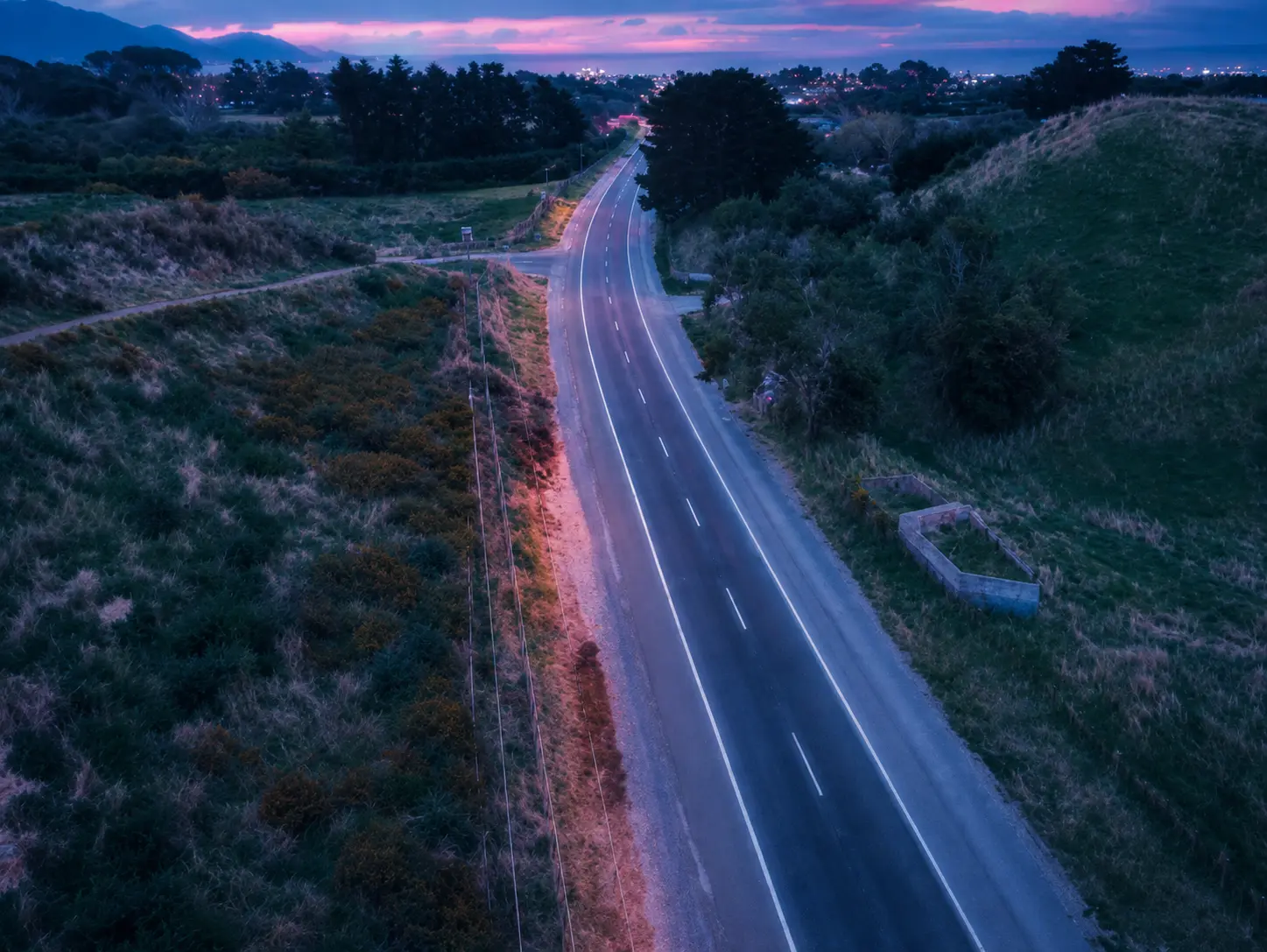
Peka Peka is the most thinly spread part of the coast we cover. It runs from the beach settlement behind the dunes, back along Peka Peka Road, across the expressway and up towards the highway, and almost none of it is dense. Neighbours are far enough apart that none of the usual shortcuts apply: nobody is borrowing a signal over the fence, and a problem cannot be diagnosed by comparing notes with the house next door.

The building stock here produces a problem we rarely see elsewhere on the coast, and it catches people out because it is the reverse of what they expect. A good number of Peka Peka houses are recent, architecturally designed and built to a high energy standard. Low-emissivity double glazing has a microscopically thin metallic coating on the glass, insulated concrete and steel framing are close to solid walls as far as a radio signal is concerned, and foil-faced wall wrap behaves like a mirror. The result is a brand-new house where Wi-Fi will not cross the hallway, while a sixty-year-old bach down the road is perfectly fine. No amount of router upgrading fixes that. What fixes it is cabling to a second access point on the far side of the obstruction.

Distance is the other constant. Houses sit well back from the road, and the fibre or wireless terminal lands wherever the network reaches the boundary rather than where anyone actually works. A garage or pump shed fifty metres from the living areas is common, and that gap is where most of the speed disappears. Vegetation matters too; on properties relying on fixed wireless, shelter belts and mature trees that were fine five years ago can grow directly into the line of sight.

The last thing worth saying is that Peka Peka gets skipped. It sits between Waikanae and Te Horo, and technicians working out of Wellington frequently treat it as beyond their range. It is inside our standard service area at the ordinary travel charge, and no part of it is a special trip.

Common Peka Peka jobs

  • Wi-Fi that will not cross low-E glazing, concrete or steel framing
  • Cable and point-to-point runs from a roadside terminal to the house
  • Rural internet and Starlink assessment and installation
  • Fixed wireless degraded by trees growing into the line of sight
  • Coverage out to sheds, studios and sleepouts on large sections
  • Computer repairs, upgrades and new device setup onsite

We cover the whole district. See Waikanae, Te Horo and Ōtaki, or browse every area from the footer below.

Peka Peka Questions

Can you set up and fix smart home gear, or do you only work on computers?

Both. Smart home work is a steady part of what we do around Peka Peka: lighting, heating, doorbells, speakers, televisions and the app that is supposed to tie the lot together. Most calls are not about installing something new. They are about a system that used to work and has stopped, usually after a router change, a password reset or an update, or a setup left behind by whoever installed it originally with nobody quite sure how it was configured. We get it back to being one thing you can actually operate, and we will tell you honestly when a particular product is not worth persevering with.

Is a home server or NAS actually worth it, or should I just pay for cloud storage?

It depends on how much you are keeping and how you want to reach it. If you are storing a few hundred gigabytes of photos and documents, cloud storage is usually simpler and we will say so. Once you are into terabytes of video, a large photo library, or you want films and music streaming to every screen on the property, a network attached storage box works out cheaper fairly quickly and keeps your data on hardware you own rather than rented space. We build them with mirrored drives so a single disk failing loses nothing, and always with a separate backup, because a NAS on its own is not a backup no matter how many drives are in it.

What do you charge to come out to Peka Peka?

Travel to Peka Peka is $30, which is the standard Kapiti Coast rate rather than a rural surcharge. Peka Peka sits inside our normal service area, between Waikanae and Te Horo, so no part of it is treated as a special trip. Onsite work is $130 an hour with a one hour minimum. There is no extra charge for looking at a second or third device while we are already there, so it is worth having everything out and ready rather than booking us twice.

Do you charge more for evenings or weekends?

No. We work seven days a week, from 8am to 10pm, and the rate is exactly the same at seven on a Sunday evening as it is at ten on a Tuesday morning. There is no after-hours loading, no weekend premium and no callout fee on top of the travel charge. If something genuinely urgent falls outside those hours, ask anyway. For a business that cannot trade or a household left with no internet at all, we will usually find a way to help.

Trusted Local IT Support in Peka Peka

Have a question or need help? Send a message and we will get right back to you.

Send a message

Contact details