
Computer Repairs on the Kāpiti Coast

PC and laptop repairs at your home or office in Paraparaumu, Waikanae, Ōtaki and Levin.

When a computer stops working properly it can be really distressing, especially if valuable data is at stake. See below for our device healthcare information.

We come to you, work out what is actually wrong, and quote the total cost before we touch anything. For devices such as laptops that need a part ordered in, we can either take the device away and repair it as soon as the part arrives, or contact you the same day it arrives and fit it at your place.

Most repairs are finished in a single visit, and diagnosis is included in the callout rather than charged separately. If we cannot fix the fault, you are not charged for the work. Our standard rates are on the home page.

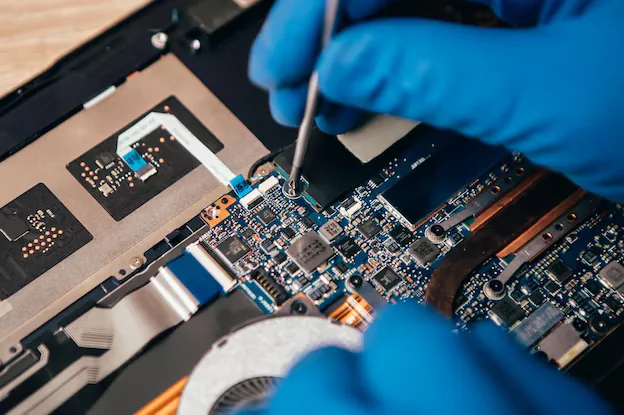
Laptop opened up on a bench with the motherboard exposed during a repair

Did You Know?

Over time, dust blocks your fans, so they have to work harder to cool less. Add prolonged heat to that and the battery stops holding its charge for anything like as long as it used to.

Both are reversible, and both are far cheaper to deal with than the replacement they eventually lead to.
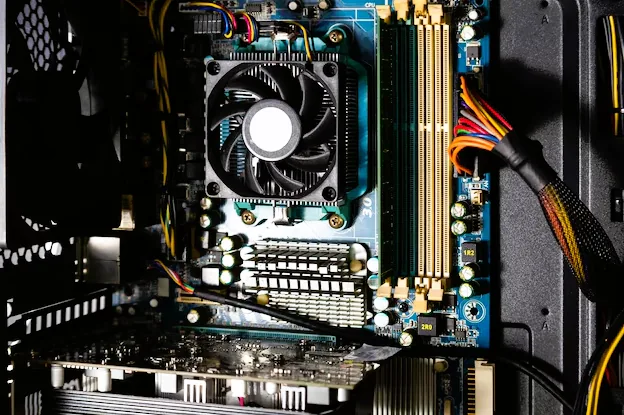
Inside a desktop PC showing the cooling fan, memory slots and motherboard

Upgrades That Actually Help

A solid state drive and a memory upgrade will make a healthy five year old machine feel new for a fraction of replacement cost. For most people, whose computing is not especially demanding, an operating system update alongside a faster drive and more memory to work from will very likely save you buying a new machine at all.

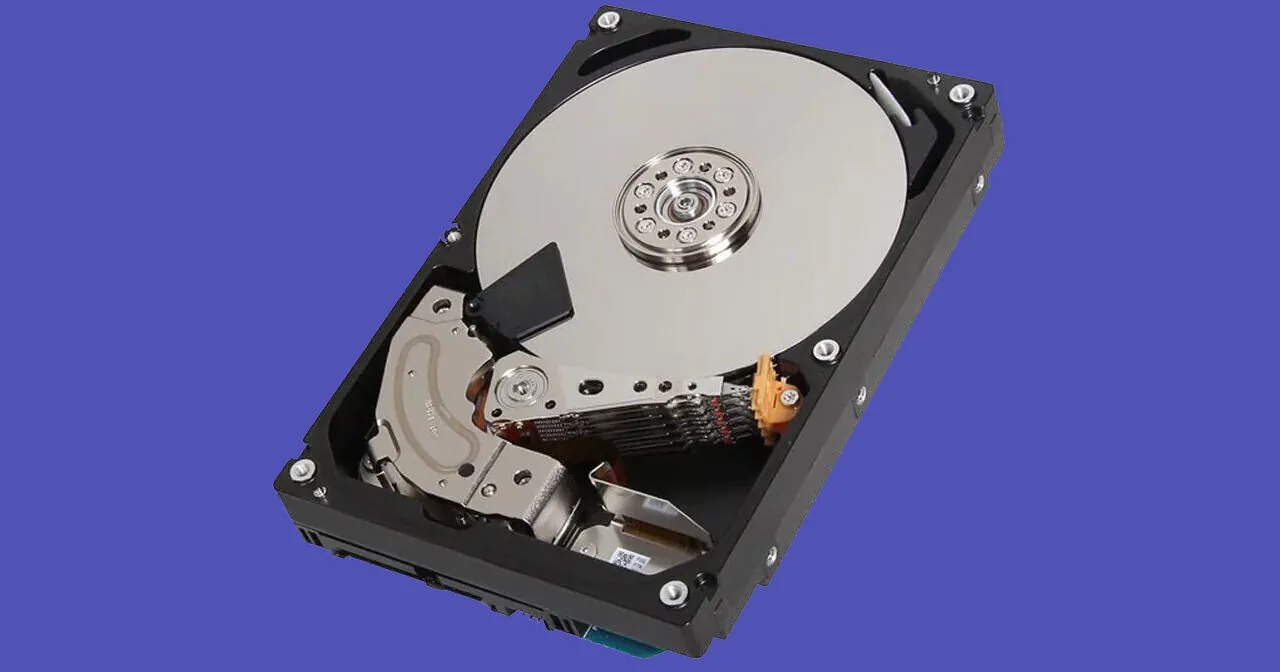
Hard drive with the casing removed showing the platter and read head

Failing Drives & Data Recovery

Mysterious scraping sounds, Windows taking forever to load, files that will not open, and programs saying that something has stopped responding are all signs of a failing hard drive. If getting to what you need is starting to take longer, stop using the drive immediately and make a backup.

Faults We Fix Most Often

  • It Will Not Turn On

    No lights, no fan, or a light but no picture. Usually a failed power adapter, a dead battery, a loose power connector or a failed motherboard. The first three are cheap fixes, and we identify which one it is before quoting.

  • Blue Screens & Crashes

    Windows crashing to a blue screen, restarting on its own, or freezing mid-task. We read the actual crash logs rather than guessing, which normally points straight at a failing drive, bad memory or a broken driver.

  • Painfully Slow

    Long boot times, programs that take forever to open, and a machine that grinds on everything. Almost always a mechanical hard drive, too little memory, or startup clutter. All three are fixable.

  • Power Surges

    A storm, a brownout or a failing power supply can take out a motherboard, a drive or just the power circuit. Damage is often partial, so a machine may still start and then behave strangely. We test what survived, replace what did not, and set you up so the next surge does not cost you the same again.

  • Unexpected Shutdowns

    A computer that switches off with no warning is usually overheating, losing power, or running failing memory. It is worth taking seriously early: each hard shutdown risks the files that were open at the time. We find which of the three it is rather than guessing.

  • Damaged Screens & Cases

    Cracked laptop screens, broken hinges, damaged ports and liquid spills. We assess whether a repair is economic and are straight with you when it is not.

New Computer & Phone Setup

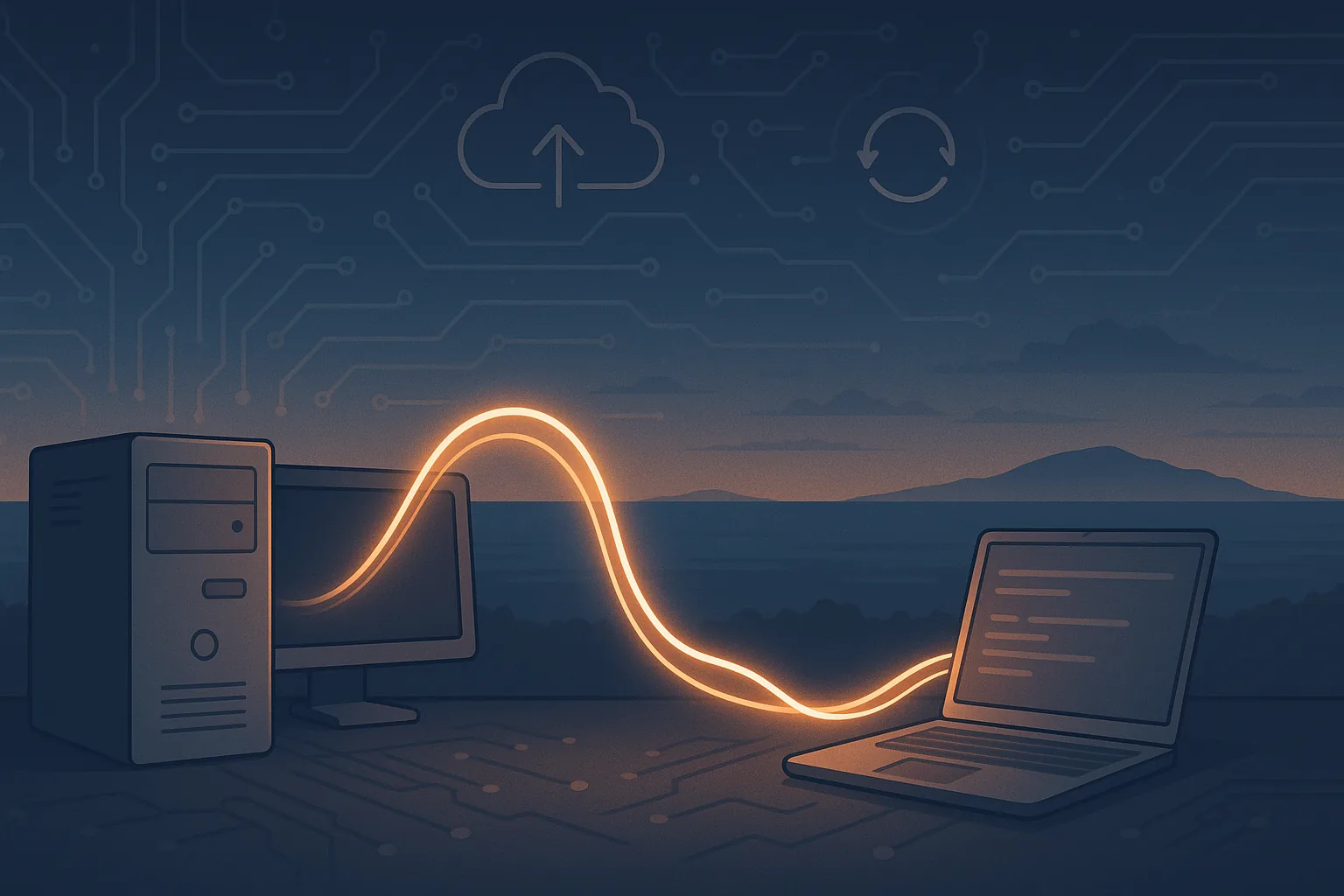
Files, photos and settings being transferred from an old desktop computer to a new laptop

Sometimes the right answer is a new machine rather than a repair. If you have upgraded your PC, bought a new laptop or switched phones, we move everything across so the new device feels instantly familiar: files, photos, email, settings, bookmarks, saved passwords and apps.

We sign you back into your Microsoft, Apple and Google accounts, reconnect your printer, and make sure OneDrive, iCloud and Google Drive are syncing properly before we leave.

Step 1 – Backup & preparation

We safely back up all important data from your old device, including documents, photos, email and settings, and verify the copy before migration begins. Your data is protected before anything else happens.

Step 2 – Clone or fresh setup

Depending on what suits you, we either clone your existing system as an exact copy of your old setup, or do a clean installation for a faster, clutter-free result. Cloning preserves programs and settings; a fresh setup gives you a clean start with selective data migration.

Step 3 – Data & app transfer

We transfer your personal files, application data, browser bookmarks, saved passwords, contacts and email accounts to the new device. This covers Windows, macOS, Android and iOS.

Step 4 – Account sign-in & sync

We sign you back into your Microsoft, Apple and Google accounts and re-link services like OneDrive, iCloud and Google Photos, then confirm mail, calendar and messaging apps are working properly.

Step 5 – Verification & cleanup

Before we hand the device back we confirm that everything transferred correctly, that software is up to date, and that the system is performing properly. We will also carry out light optimisation or a physical clean if it is needed.

Step 6 – Phone layout matching

When moving to a new phone we can replicate your previous app layout, so your icons, folders and shortcuts appear where you expect them and you can keep using the phone without relearning it.

We also offer consultations for complete new setups, whether that is outfitting a home office, upgrading business systems, or getting multiple devices working together as one. See ongoing IT support if you would rather have someone looking after it long term.

Where We Repair Computers

Computer repairs are carried out onsite throughout the district. Most work is in Paraparaumu, including Paraparaumu Beach and Raumati, and in Waikanae, Waikanae Beach and Peka Peka. We also cover Ōtaki, Ōtaki Beach and Te Horo, and travel north to Levin and the surrounding Horowhenua. Paekākāriki and Porirua are within our service area too.

If the fault is a software problem rather than a hardware one, we can often resolve it the same day through remote support, with no travel charge at all. Onsite travel is $30 within the Kāpiti Coast, $50 to Levin or Porirua, or $60 south of Porirua or north of Levin for anywhere else still inside our service window. Hourly rates are on the home page.

Computer Repair Questions

My laptop will not turn on. Can it be fixed?

Usually. A laptop that shows no sign of life is most often a failed power adapter, a dead battery, a loose internal power connector or a failed motherboard. The first three are inexpensive to fix. We diagnose which it is during the callout and tell you the cost before doing anything.

How much does a diagnosis cost?

There is no separate diagnostic fee. Diagnosis happens within the standard onsite callout, and in most cases the repair is finished inside that same hour. If we cannot fix the fault, you are not charged for the work. See our standard rates.

Do I have to bring my computer to a shop?

No. We are a mobile service and repair your computer at your home or office anywhere on the Kāpiti Coast. If a fault genuinely needs bench time we will tell you and arrange to take the machine away.

Is it worth repairing an older computer?

Often it is. A solid state drive and a memory upgrade will make a healthy five year old computer feel new for a fraction of replacement cost. If the machine is genuinely at the end of its life we will say so rather than sell you a repair that is not worth doing.

Can you recover my files if the computer will not start?

In most cases, yes. A computer that will not boot usually still has an intact drive, and we can recover documents, photos and email from it. Recovery chances drop the longer a failing drive is used, so it is worth calling early.

Do you repair Apple Macs as well as Windows PCs?

Yes. We work on Windows PCs and laptops, Apple Macs and MacBooks, and can help with iPhones, iPads, Android phones and tablets.

Book a Computer Repair

Describe the fault and we will come to you.

Send a message

Contact details